
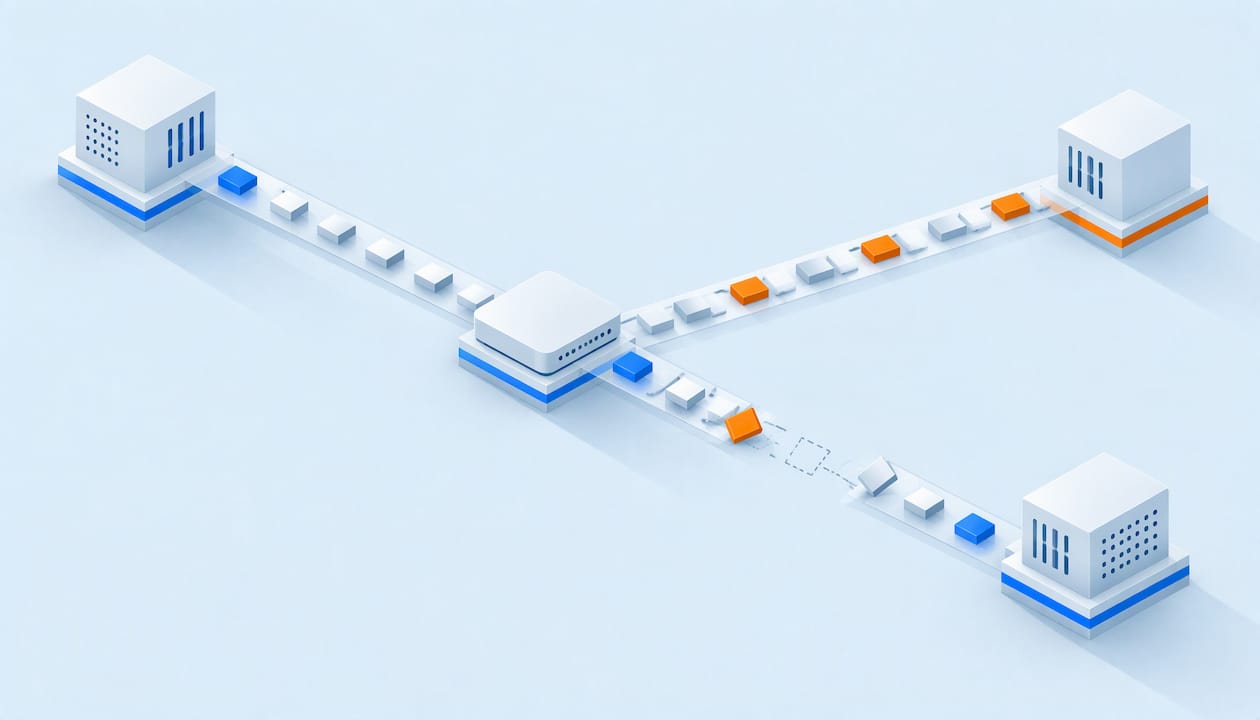
Choppy audio, echo, delays and dropped calls almost always trace back to a short list of causes: congested or unstable networks, weak Wi-Fi, missing traffic prioritization, poor audio hardware, or a system nobody is watching. Most can be fixed in an afternoon once you know which one you have. The better long-term answer for a small business is a phone system that is set up, configured and monitored for you. That is how we run PJL Telecom: setup is included, and a real person answers 24/7.
This guide explains each symptom in plain words, shows how to tell where the problem lives, and walks through the fixes in the order that saves the most time.
TL;DR
- Choppy or robotic audio usually means packet loss or jitter (packets arriving late or out of order). Delay and talk-over come from latency. Echo is usually acoustic, from a speakerphone or headset.
- Loss of about 1 to 3% is tolerable and above 3% is intolerable, according to studies cited by NIST. Bursts of loss hurt more than the average suggests.
- Wi-Fi is the most common weak link. Put desk phones and your router on wired Ethernet whenever you can.
- Prioritize voice traffic (QoS) on your router, so a software update or video stream cannot crowd out a call.
- A managed system takes configuration and monitoring off your plate, which matters most when nobody on staff is an IT person.
Table of Contents
- What call quality problems actually sound like
- Packet loss: the main cause of choppy calls
- Jitter and latency: the timing problems
- Echo on VoIP calls
- How to find where the problem is
- Fixes that work, in order of payoff
- Hotels, schools and non-profits: where quality problems hide
- When to stop troubleshooting
- Promo: a phone system that someone else keeps tuned
- Our perspective
- FAQ
- Sources
What call quality problems actually sound like
VoIP (voice over IP) sends your voice over the internet as thousands of tiny data packets. Each packet carries a sliver of speech and has to arrive quickly, in order, and in one piece. When it does not, you hear it. Here is how the symptoms map to causes:
| What you hear | Likely cause | First thing to check |
|---|---|---|
| Choppy, robotic, words missing | Packet loss or jitter | Wi-Fi, router load, QoS |
| Delay, people talking over each other | Latency | Distance to the server, congested uplink |
| You hear your own voice back | Acoustic echo | Speakerphone, volume, headset |
| One-way audio or no audio | Firewall or NAT settings, endpoint registration | Router and phone settings |
| Calls drop mid-conversation | Unstable connection | Internet line, Wi-Fi roaming, power |
The next three sections explain the three network terms you will see most: packet loss, jitter and latency.
Packet loss: the main cause of choppy calls
Packet loss means some voice packets never reach the other end. VoIP media normally travels over UDP, a protocol that does not guarantee delivery, so a lost packet is simply gone. NIST's guidance on voice over IP also notes that a packet counts as lost when it arrives too late to be used, which ties loss directly to latency and jitter.
Two details from that same document are worth knowing:
- A single lost packet may be imperceptible, but losses tend to come in bursts, and bursts cause the audible damage.
- The studies it cites found loss of roughly 1 to 3% tolerable and quality intolerable above 3%, with the exact point depending on the codec (the method used to compress speech) and packet size.
So a line that tests "only 2% loss" on average can still sound terrible if the loss arrives in clumps. That is why a one-time speed test tells you little about call quality.
Why Wi-Fi makes it worse
A Microsoft Research study of VoIP calls over a six-month period found more packet loss on Wi-Fi than on wired links, and linked it to low capacity, changing signal strength and interference. In a hotel, school or office with many access points and many devices, all three are normal conditions.
In that study, a relay and packet-replication approach cut poor calls from 35% to 10% in its measured enterprise setting. That was a research deployment, not a promise for your building, but it shows how much of the problem sits in the wireless hop.
Jitter and latency: the timing problems
Jitter is variation in how long packets take to arrive. If packets are spaced evenly the call sounds smooth. If they bunch up and stall, you hear stutter. Phones use a small buffer, called a jitter buffer, to even things out, and the ITU describes de-jitter buffers and packet-loss concealment as the mechanisms that reduce how much of this the listener perceives. Buffers only go so far: a larger buffer adds delay, and a very unstable line overwhelms it.
Latency is the one-way delay between speaking and being heard. A little is invisible. Too much makes conversation awkward, with people interrupting each other and then both stopping. Common causes are a saturated internet uplink, a long route to the server, and routers that queue voice behind other traffic.
Network instability, such as links that flap on and off, congestion and large swings in delay, can drop voice packets and cause clipping and gaps. The usual culprit in a small office is simple: someone uploads a large file or a video meeting starts, and the phones lose the race for bandwidth.

Echo on VoIP calls
Echo means the person you are talking to hears their own voice come back after a short delay. It is a different problem from choppiness and has different fixes. One troubleshooting guide on VoIP echo groups it into acoustic echo and network-related echo.
Acoustic echo happens when a microphone picks up sound from a nearby speaker and sends it back. Typical triggers:
- A speakerphone or conference phone in a hard-walled room.
- Handset or speaker volume turned up too high, which feeds more sound into the microphone.
- Cheap or damaged headsets that leak sound.
- A softphone app running on a laptop with both the speakers and a built-in microphone active.
Network-related echo is a bit more subtle. Echo cancellation depends on steady timing. When packets arrive late or out of order, the canceller can no longer line up its reference signal with the echo, so it fails. The network is not creating the echo, but unstable timing is stopping the fix from working. This is why echo often appears together with jitter.
What to do:
- Lower the speaker volume first. It is free and often enough.
- Switch to a headset or handset for one call and see whether the echo disappears. If it does, the cause is acoustic.
- Move conference phones away from walls and glass, and keep them clear of laptops and monitors.
- If echo only happens at certain times of day, treat it as a network timing problem and work through the network steps below.
- Ask your phone provider to look at the call. An echo that only the other party hears points at your end, so the problem sits on your side of the call, not theirs.
If you use a computer-based phone, our desktop softphone setup guide covers getting it running cleanly on your PC.
How to find where the problem is
Before changing anything, work out whether the problem is on your side, in the middle, or at the provider. A systematic check saves hours.
Step 1: Note the pattern
Write down when it happens: certain phones only, certain times of day, only on Wi-Fi, only on outside calls. Patterns point to causes. If one phone is bad and the rest are fine, look at that phone, its cable and its Wi-Fi signal. If every phone is bad at 2 p.m. every day, look at what else is using your internet then.
Step 2: Check what a speed test cannot tell you
A speed test measures how much data your line can move, not how steadily. Voice needs low and consistent delay more than raw bandwidth. A line can post great download speeds and still have jitter that ruins calls, particularly when the uplink is saturated.
Step 3: Trace the path while a call is happening
Path-tracing tools show where along the route packets are delayed or lost. PingPlotter's troubleshooting guide suggests running the trace toward the VoIP server, making a test call during it, and marking the timeline the moment you hear the problem, so you can match the measured loss to the symptom. If you do not know the server address, tracing to the provider's website can still help rule out local wireless or bandwidth faults.
Step 4: Read the quality score the right way
Many systems report a MOS (mean opinion score), a 1 to 5 estimate of call quality based on latency, jitter, packet loss and codec. Fortinet's documentation lists 3.6 as its default threshold for acceptable quality, and notes that the best possible score depends on the codec in use. So compare scores only between calls using the same codec.
Step 5: Compare wired and wireless
Plug one laptop or one phone directly into the router with an Ethernet cable and make the same calls. If the problem vanishes, Wi-Fi is your culprit, and you have your answer.
Fixes that work, in order of payoff
1. Get voice off Wi-Fi
Wired Ethernet beats wireless for desk phones, front-desk stations, and the router connection itself. Where cordless is needed, such as a warehouse floor, a school corridor or hotel housekeeping, use phones designed for it and make sure signal coverage is good wherever people walk and talk.
2. Turn on QoS
QoS (quality of service) lets your router and switches forward time-sensitive voice packets ahead of less urgent traffic. NIST describes it as a way to control delay variation for voice. In practice you mark phone traffic as high priority on your router so downloads, backups and video streams wait their turn.
3. Make room for voice
If calls break up when the office is busy, you have a capacity problem. Remember that a call needs relatively little bandwidth, but it needs it reliably. Check what else shares the connection: guest Wi-Fi, security cameras uploading footage, cloud backups, streaming. Schedule heavy uploads outside business hours, or separate guest traffic from office traffic.
4. Upgrade or reconfigure the router
Consumer routers often struggle with many simultaneous real-time streams. Business-grade equipment handles priority rules and large numbers of sessions better. Also review firewall and NAT settings: one-way audio and no audio are classic signs that a firewall is blocking part of the call.
5. Check the codec and the endpoint settings
Codec choice, echo-canceller behavior, jitter-buffer settings and even microphone placement can all affect quality, as NETSCOUT's troubleshooting guide lists. These are the settings a small team rarely wants to dig into, which is the argument for having them handled by the provider.
6. Replace weak hardware
Worn handsets, damaged cables and bargain headsets create problems that look like network faults. Phones that come configured for your system avoid the other classic issue: a device that is almost, but not exactly, set up correctly.
Hotels, schools and non-profits: where quality problems hide
The same causes show up differently depending on the building.
- Hotels and motels: guest Wi-Fi, streaming and many rooms share one connection, so voice competes with heavy traffic at peak check-in and evening hours. Room phones and front-desk lines should never depend on guest Wi-Fi. Our VoIP for hotels guide covers the setup in more detail.
- Schools: many classrooms, hallways and an office all hit the network at once. Scalable systems matter, and so does having voice priority set across the whole building, not just the front office.
- Non-profits: small teams, volunteers and no dedicated IT person. Predictable cost and a provider that answers the phone matter more than a feature list. See our VoIP for non-profits guide.
When to stop troubleshooting
It is reasonable to spend a morning on the steps above. Past that, the time cost outweighs the fix. Signs that it is time for the system to be managed for you:
- The problem keeps coming back after you fix it.
- You cannot tell whether the cause is your network, your phones or your provider.
- Nobody on staff owns the router, the QoS settings or the phone configuration.
- Every dropped call is a missed customer, guest or parent.
Promo: a phone system that someone else keeps tuned
We built PJL Telecom for businesses that want phones to work without becoming the office IT department. Plans are flat-rate with unlimited users and no per-user fees: Business starts at $125 per month and Home Office is $25 per month. Setup is included for free, there are no contracts, and system changes and support calls are handled the same day. Support is by real people, 24/7. Our managed PBX setup comes with proactive network monitoring, pre-configured Grandstream desk and cordless phones, and analog adapters for legacy equipment.

Hotels and motels can look at our hotel phone systems, from $125 per month per property, built around guest room and staff phones.
Our perspective
Most call quality complaints we hear about are not mysterious. They are small configuration gaps: a phone on weak Wi-Fi, a router with no voice priority, a speakerphone in an echoey room. Each one takes minutes to fix when someone knows to look for it, and days when nobody does.
That is why we put so much weight on the service around the phone system, not just the features in it. Flat-rate pricing means you never have to ration seats to keep the bill down. Setup is included, and the configuration is custom to your site. Proactive network monitoring and same-day changes mean a problem gets attention quickly, and a human is there at any hour.
If you run a small business, a school, a hotel or a non-profit, your time belongs to your guests, students and customers. A phone system should be one fewer thing to babysit.
Preston
FAQ
Why are my VoIP calls choppy?
Choppy audio usually means packets are being lost or arriving unevenly. The most common causes are weak Wi-Fi, a saturated internet connection and no voice prioritization on the router. Plug the phone into Ethernet and make a call; if it clears up, the wireless link was the problem.
How much packet loss is too much for VoIP?
Studies cited by NIST found loss of about 1 to 3% tolerable and anything above 3% intolerable, depending on codec and packet size. Loss that arrives in bursts sounds worse than the same average spread evenly, so look at when the loss happens, not only the total.
What causes echo on VoIP calls?
Usually acoustic feedback: a speakerphone, high volume or a leaky headset lets the microphone pick up the speaker. Lower the volume, try a headset and reposition conference phones. If echo comes and goes with network load, unstable timing may be stopping echo cancellation from working.
Does more bandwidth fix poor call quality?
Only when the line is actually full. Voice needs steady, low-delay delivery more than raw speed. Prioritizing voice traffic with QoS and moving phones to wired connections often does more than buying a faster plan.
Sources
- NIST SP 800-58, Security Considerations for Voice Over IP Systems
- A Case for WiFi Relay: Improving VoIP Quality for WiFi Users (Microsoft Research)
- ITU-T Recommendation G.1020
- Chapter 7: Improving and Maintaining Voice Quality (Network World)
- Echo on VoIP Calls: Causes, Diagnosis, and Fixes
- Troubleshooting VoIP: Is it You or the Network? (PingPlotter)
- Mean opinion score calculation and logging (FortiOS 8.0.0 Administration Guide)
- UC&C Troubleshooting Guide (NETSCOUT)