
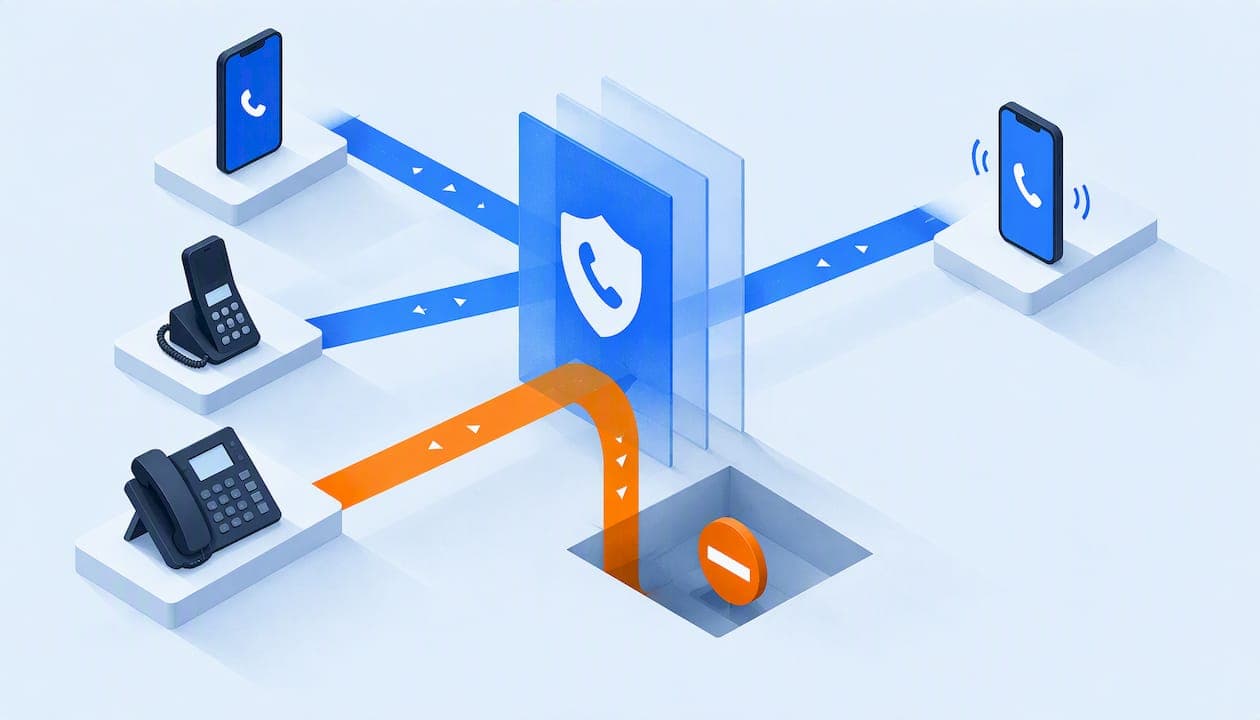
The most effective spam call blocking combines layers: your phone company's network-level blocking or labeling, the settings and tools built into your device, and, for a business, a phone system that lets you control who reaches your staff. No single code or registry stops everything. The National Do Not Call Registry, for example, does not block calls at all. Below you will find what each option does, which popular shortcuts are myths, and how a small business can protect its lines without paying for extras.
TL;DR
- Blocking comes from phone companies, device settings, apps and third-party services. Use more than one layer.
- The Do Not Call Registry stops sales calls from legitimate companies. It will not stop scammers.
- *77, 662 and similar shortcuts are not universal blocking codes. 7726 (SPAM) is for forwarding spam texts, not calls.
- Businesses need blocking on the phone system itself, plus clean outbound caller ID so their own calls are not flagged.
- If an illegal robocall gets through, hang up, don't call back and report it to the FTC.
Table of Contents
- What the Do Not Call Registry does and does not do
- How to block spam calls on a mobile phone
- How to block spam calls on a landline
- 77, 662 and 7726: what these codes actually do
- How spam blocking works at the network level
- Spam call blocking for a business phone system
- Keep your own business calls from being flagged as spam
- Our perspective
- Flat-rate phone service with spam protection built in
- What to do when a spam call gets through
- A simple layered setup for a small business
- FAQ
- Sources
What the Do Not Call Registry does and does not do
Most people start here, and it is worth doing, but expectations matter. The Registry is designed to stop sales calls from real companies that follow the law. According to the FTC, it does not block calls and will not stop illegal robocalls from scammers. Registration is free for home and cell numbers at DoNotCall.gov or by calling 1-888-382-1222.
Think of it as a way to make legitimate telemarketers stop. The calls you actually want to eliminate, the ones from fraudsters ignoring the law, need a blocking or labeling tool on top.

How to block spam calls on a mobile phone
The FCC lists several routes: phone-company blocking or labeling, settings on your device, and third-party services or apps. Here is how they differ.
Carrier tools
Many carriers run network-based blocking, which stops calls before they reach your phone. Wirecutter notes that automatic spam blocking is often free, while premium tiers add features such as custom block lists or spam lookup. Check your carrier's account page or app to see what is switched on.
The FCC explains that a blocked call may go straight to voicemail, ring once with caller ID shown, or produce no notice at all, and that labels may read "spam" or "scam likely" (FCC call blocking guide). If you see a label, that is the tool working, not a glitch.

Phone settings
Built-in settings let you block individual numbers and, on many phones, send unknown callers to voicemail. These are free and take a minute. The weakness is that scammers rotate numbers constantly, so manual blocking alone is a losing game.
Call-blocking apps
The FTC says one of the best ways to block unwanted calls on a cell phone is a call-blocking app that acts like a filter. Keep expectations realistic: Wirecutter points out that carrier-offered apps may not block or label all spam calls. Read the permissions an app asks for before installing it.
How to block spam calls on a landline
Traditional landlines have fewer built-in options. The FTC notes that physical call-blocking devices can be installed on landlines. Some use databases of known scam numbers, while others depend on you to build and update your own block list. The database type needs less upkeep. The manual type gives you more control but takes more of your time.
If your landline runs over internet (VoIP) service, ask your provider what blocking is included before buying hardware.
*77, 662 and 7726: what these codes actually do
These are the three "magic number" questions readers ask most. The short version: none of them is a universal spam switch.
| Code | What people hope it does | What to know |
|---|---|---|
| *77 | Blocks all spam calls | Not a standard, universal blocking feature. Some landline and business providers use star codes such as *60 or *61 for selective blocking, and they vary by provider and region (FCC). |
| 662 | Blocks all spam calls | Not a recognized industry-wide blocking code. Blocking is handled through carrier settings, network analytics or apps (FCC). |
| 7726 (SPAM) | Blocks spam calls | Used to report spam texts by forwarding them, where your carrier supports it (FCC). |
Before you dial any code, confirm it with your own phone provider. A code that works on one service may do nothing, or something unexpected, on another. And never click links in a suspicious text or reply to it.
How spam blocking works at the network level
It helps to know why some calls are blocked and others slip through. The FCC has expanded its safe harbor so providers can block at the network level using reasonable analytics that incorporate caller ID authentication where available, target calls highly likely to be illegal, and include human oversight and network monitoring.
Two takeaways for you:
- Providers aim at calls that are highly likely to be illegal, not every call you find annoying. A persistent but legal sales caller may still ring through.
- Providers that block calls must offer transparency and a clear redress process for legitimate callers whose calls are blocked by mistake. That matters if you run a business and your own calls are being caught.
Spam call blocking for a business phone system
A small business has a different problem than a household. Your front desk, your owner's mobile and your voicemail all collect junk calls, and every wasted interruption costs time. A business phone system lets you handle this in one place instead of phone by phone.
What to look for:
- Spam call protection built into the service, not sold as a paid add-on.
- Call routing controls: auto-attendants, call queues and ring groups that keep unknown callers away from your busiest people.
- Voicemail-to-email, so a missed call from a real customer is easy to spot and a spam voicemail is easy to delete.
- Call recording, which gives you a record when a call needs to be reported.
- E911 compliance, so blocking never gets in the way of emergency calling.
- Real human support when a legitimate caller says they can't reach you.
An auto-attendant alone filters a surprising amount of junk. Many robocalls are not built to navigate a menu, while a real customer who needs sales or billing will press a key. For a school, a hotel front desk or a non-profit with a shared line, that single step can take pressure off staff. Our guides for non-profits and hotels and hospitality show how routing fits those settings.
Keep your own business calls from being flagged as spam
Blocking runs both ways. If your team places outbound calls to customers, a carrier's analytics can label your number "spam" or "scam likely" and your calls go unanswered. The FCC advises businesses to reduce false positives by using valid outgoing numbers and checking for consumer complaints about those numbers.
Practical habits:
- Use numbers that are properly assigned to your business and that people can call back.
- Show the same number consistently instead of rotating many.
- Search for complaints against your numbers now and then.
- Set up sensible call routing for small businesses, so a callback to your number reaches a person or a clear greeting instead of a dead end.
- If a legitimate call is blocked, use the carrier's redress process described above.
Our perspective
Small businesses usually get spam protection as an afterthought, and often as a paid extra layered onto a per-user bill. We think that gets it backwards.
Every employee you add means more phones to protect, more voicemail boxes and more interruptions. When pricing is per user, the cost of keeping your lines clean grows with your team. That is why we built our service on one flat rate with unlimited users, and why spam call protection, auto-attendants, call queues, ring groups and voicemail-to-email are part of the system rather than add-ons.
No tool catches every junk call, and we won't tell you one does. What we can do is give you the controls to route and screen calls sensibly, and a real person on the phone around the clock when something looks wrong. Our team handles system changes and support calls the same day, so a problem with a number doesn't sit for a week.
Preston
Flat-rate phone service with spam protection built in
If you are tired of piecing together blocking apps for each person's phone, a managed system is simpler. Our Business plan starts at $125 per month, with no per-user fees and no contracts, and our Home Office plan is $25 per month. Setup is included, and we provide pre-configured Grandstream desk and cordless phones, plus analog adapters if you want to keep legacy equipment.

Running a property? Our hotel phone systems and motel phone systems start at $125 per month per property. You can see the equipment we offer on our features page, or start at pjltelecom.com.
What to do when a spam call gets through
No layer is perfect, so have a routine. The FTC advises that if an illegal robocall gets through, hang up, don't call back, and report it.
- Hang up. Don't press a key to be "removed from the list."
- Don't call back the number shown. Callback numbers are often spoofed or lead to a scam line.
- Write down the details: caller ID, any callback number, and the date and time.
- Report it. Use DoNotCall.gov for unwanted calls, or ReportFraud.ftc.gov for a phone scam or any loss, with those details (FTC).
- Report spam texts by forwarding them to 7726 (SPAM) if your carrier supports it (FCC).
If you gave out financial details or paid someone, contact your bank or card issuer right away and report it at ReportFraud.ftc.gov.
A simple layered setup for a small business
Here is a practical order of operations you can finish in an afternoon:
- Register your business's mobile and any home-office numbers at DoNotCall.gov to cut down legitimate sales calls.
- Ask your mobile carriers what network blocking or labeling is already active and turn it on.
- Put a greeting or auto-attendant in front of your main line so callers must choose an option.
- Route calls through queues or ring groups so a single employee isn't the target of every call.
- Send voicemail to email, so junk can be deleted in seconds and real messages stand out.
- Confirm your outbound numbers are valid and check them for complaints.
- Review once a quarter: who is getting the most unwanted calls, and does your routing need a change?
This works whether you have three employees or thirty. With flat-rate pricing, adding the next person doesn't change what you pay for protection.
FAQ
How do I block all spam calls from coming through?
No single tool blocks all of them. Combine your carrier's blocking or labeling, your phone's settings, and, if you want extra filtering, a call-blocking app. The FCC lists these options. For a business, add screening at the phone system with an auto-attendant and call routing.
Does *77 block spam calls?
Not as a universal feature. Star codes differ by provider and region, and some landline or business services use codes like *60 or *61 for selective blocking. Ask your own provider which codes your service supports before relying on one.
What is the three-digit number to block spam calls?
There isn't a three-digit number that blocks spam calls everywhere. The best-known number, 7726 (SPAM), is a four-digit short code for forwarding spam texts to your carrier, where supported.
Will the Do Not Call Registry stop spam calls?
It stops sales calls from legitimate companies that follow the rules, but it does not block calls or stop scammers. Pair it with call-blocking or call-labeling services for better results.
Why are my business's outgoing calls marked as spam?
Carrier analytics may flag a number that is new, rotates often or has drawn complaints. Use valid outgoing numbers, check for complaints about them, and use the redress process if a legitimate call is blocked.
Sources
- FCC: Call Blocking Tools and Resources
- FTC: How To Block Unwanted Calls
- FCC: Stop Unwanted Robocalls and Texts
- FTC: National Do Not Call Registry FAQs
- Wirecutter: How to Block Spam Calls on Android & iPhone
- FCC order DA 21-772 on call blocking safe harbor
- Federal Register: Advanced Methods To Target and Eliminate Unlawful Robocalls