
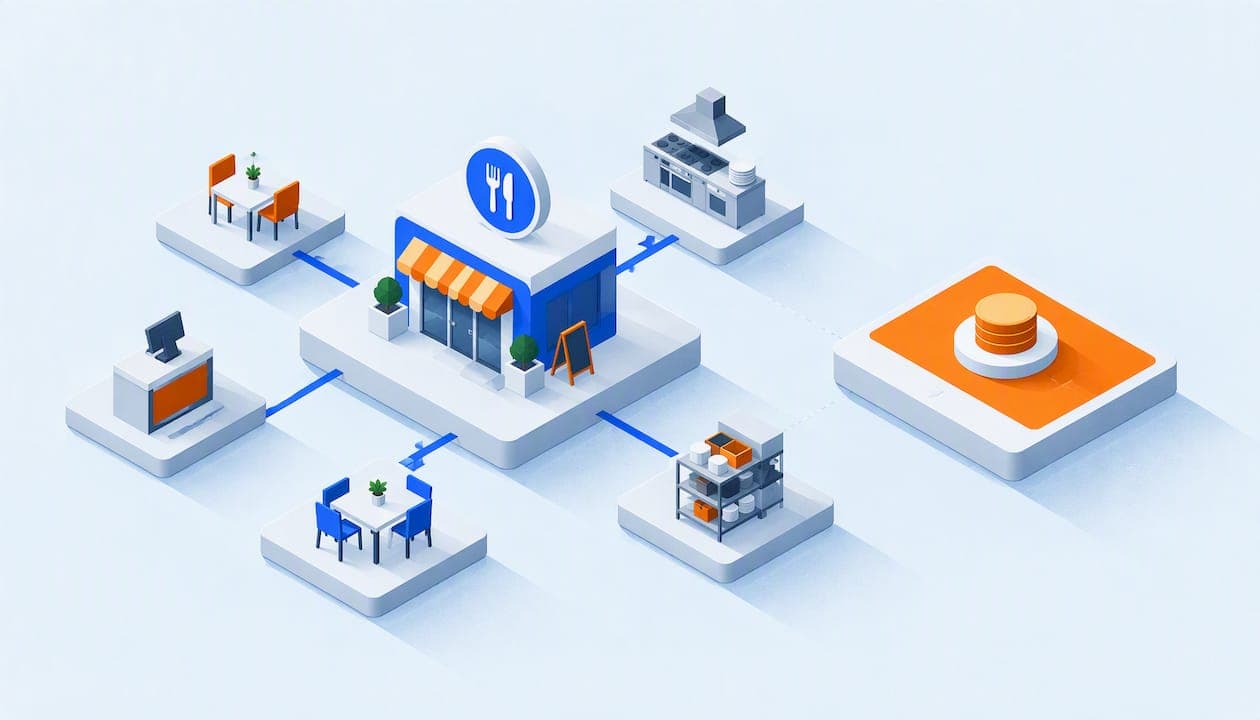
The best restaurant phone system is one that gets every call answered, sends it to the right person and costs the same whether you have six employees or sixty. For most independent restaurants, that means a cloud (VoIP) system with call queues, ring groups, an auto-attendant, mobile apps and 911 compliance. It should not charge you a fee for every person who touches a phone.
Below, we walk through what a restaurant actually needs, what it costs, which rules apply and where owners get burned.
TL;DR
- Choose a cloud phone system with ring groups, call queues, an auto-attendant and voicemail-to-email. Skip anything that needs a technician on site for every change.
- Per-user pricing punishes restaurants. Staff turnover and shift work mean many people need access, so a flat rate is easier to budget.
- A multi-line phone system must support direct 911 dialing and dispatchable location under federal rules. Ask your vendor to confirm in writing.
- Test the system in your own dining room at peak hour before you commit. Wi-Fi, headsets and a quiet host stand matter as much as software.
- PJL Telecom's Business plan starts at $125 per month with unlimited users, no per-user fees and setup included.
Table of Contents
- Why the phone still matters in a restaurant
- The main types of restaurant phone systems
- The features a restaurant needs
- The rule most owners don't know: 911 compliance
- What a restaurant phone system really costs
- Where restaurants go wrong
- Questions to ask any vendor
- Our perspective: a phone system is a tool, not a project
- A setup that works for a typical restaurant
- Where our hospitality plans fit
- Get a flat-rate restaurant phone system
- FAQ
- Sources
Why the phone still matters in a restaurant
Guests still call to book tables, ask about allergies, order takeout, plan parties and check hours. A call that rings out during the Friday rush is usually a lost customer, because someone hungry calls the next place on the list.
Industry estimates put the loss in the hundreds of thousands of dollars a year for a busy full-service room. One 2026 breakdown works through 60 calls a day, a 30% miss rate and a $40 average order. It lands at roughly $262,800 a year in lost revenue potential. Treat that as an illustration of scale, not a promise about your restaurant. Your own numbers are probably smaller, but the logic holds: every unanswered call has a price.
The fix is rarely "hire another host." It is a phone setup that gives you more ways to answer: a call that rolls to the next phone, to the manager's cell or to a clear voicemail that lands in your inbox.
The main types of restaurant phone systems
There are four setups you will run into.
| Type | How it works | Good for | Watch out for |
|---|---|---|---|
| Traditional landlines | A few analog lines, basic handsets | One small counter-service spot | No call routing, no mobile access, aging copper lines |
| On-site PBX / key system | A box in the back office with its own wiring | Larger venues that already own one | Repair calls, hard to change, dated tech |
| Cloud phone system (VoIP) | Calls run over your internet connection and a hosted platform | Most independents, groups and multi-location operators | Needs a solid network and a provider that supports you |
| AI phone attendant | Software that answers and takes orders | High-volume takeout, as an add-on | Often priced per order or per call, and it may not replace a real phone system |
An AI attendant can be a useful layer on top. It is not the same thing as a phone system. You still need desk phones, cordless handsets, extensions, transfers and emergency calling. For most owners the foundation is a cloud phone system, with automation added later if the call volume justifies it.
The features a restaurant needs
Most phone feature lists run to 40 items. These are the ones that change how a service runs.
1. Ring groups
A ring group rings several phones at once or in order: host stand, bar, kitchen pass and the manager's mobile. If the host is seating a party, the call keeps moving instead of dying at one handset.
2. Call queues
On a busy night, calls will stack up. A queue holds callers in line with a short message instead of a busy signal, and answers them in order. That one setting alone keeps many callers from hanging up.
3. An auto-attendant with a real greeting
A professional greeting handles the repetitive questions. "Press 1 for reservations, press 2 for takeout, press 3 for catering and events." It also lets you put hours, address and parking information up front, so staff are not answering the same question 30 times a day.
It should also change quickly. Holiday hours, a private buyout or a kitchen closing early should take one call or a few clicks, not a service ticket next week.
4. Voicemail to email
When the restaurant is closed, a catering request or a lost-and-found message should reach the owner's inbox as audio and, where supported, text. Nothing waits on a blinking light until Tuesday.
5. Mobile and desktop apps
General managers and owners are rarely at a desk. An app lets them take the restaurant's number on their own phone without handing out a personal cell number, and answer a vendor or catering call from the walk-in.
6. Call recording
Recording is useful for large-party orders, catering details and training. If someone says the order was for 40 people, not 14, you can check. Know your state's consent rules before you record, and tell callers when the law requires it.
7. Cordless and wired phones that match your layout
Restaurants are physical places. You may want a wired phone at the host stand, a cordless handset for the manager on the floor and one in the kitchen office. Check that the vendor supplies and configures these, rather than leaving you to buy and set up handsets yourself.

8. Spam call protection
Restaurants get a steady stream of robocalls, because the number is public. Filtering them keeps staff from picking up junk during service.
9. Support that answers when you are open
You run nights, weekends and holidays. If support is closed at 5 p.m. Friday, that is exactly when your phones will break. Look for a provider with 24/7 support from real people, and ask what "same-day" means in writing.
The rule most owners don't know: 911 compliance
Most cloud phone systems sold to restaurants are multi-line telephone systems (MLTS). That brings federal obligations. The FCC explains that Kari's Law requires direct 911 dialing and notification in these systems. Callers must be able to dial 911 without a prefix like 9. The FCC's fact sheet adds that RAY BAUM'S Act requires dispatchable location, meaning information that helps responders find the caller within a building.
A restaurant technology compliance guide makes the same point for the food-service industry, and notes that many owners never hear about it. A practical test: ask any vendor, in writing, whether the system supports direct 911 dialing, on-site notification and dispatchable location for your address. If the answer is vague, move on.
This matters most for larger restaurants, restaurant-and-hotel combinations and multi-floor venues. In those, "911 sent someone to the wrong door" is not a theoretical problem.
What a restaurant phone system really costs
The monthly price on a vendor's page is the start of the calculation, not the end. Add up four things over 12 to 24 months:
- Subscription. Per-user, per-line or flat.
- Hardware. Handsets, cordless phones, headsets and adapters for any analog gear you keep.
- Setup and training. Who configures the system, and is it free?
- Overages and add-ons. Call recording, queues or conferencing sold as extras.
Why per-user pricing hurts restaurants
A restaurant has more people who might need a phone or an app than the headcount of a typical office: host, general manager, assistant manager, kitchen manager, bar manager, catering lead and owner. Many are part-time or leave within the year. Under a per-user plan, every addition is a new line item, and every departure invites a billing cleanup.
Here is a simple, hypothetical example. Say a per-user plan charges $30 per user (a made-up figure for the math). With 10 users, that is $300 a month. Add a catering coordinator, a second manager and three seasonal hosts, and you reach 15 users and $450 a month, with no more calls answered. A flat rate does not move when your roster does.

What we charge
Our Business plan starts at $125 per month, with no per-user fees. Our Home Office plan is $25 per month, which can suit a ghost kitchen run from a back office or an owner who runs a small catering side business from home. Hardware is a separate choice, and setup is free. For a broader look at how phone pricing works, see our guide on what a business phone system costs.
Where restaurants go wrong
Buying for the quiet Tuesday. A system that feels fine at 2 p.m. can fall apart at 7 p.m. Friday. Test queues, transfers and voice quality at your busiest hour, with the dining room loud.
Ignoring the network. VoIP runs on your internet. A router shared with guest Wi-Fi, card terminals and delivery tablets can cause choppy audio. Ask who checks the network. Proactive monitoring, where the provider sees problems before you do, is worth a lot. We run ours from our Network Operations Center.
Assuming the phone is the POS. Some AI ordering tools sync with point-of-sale systems so that sold-out items update automatically. That is a different product from a phone system. If you want phone orders pushed into your POS, ask that vendor how its integration works and what it costs to set up. Do not assume your phone provider handles it.
Signing a long contract for features you won't use. Seasonal and independent restaurants change. A contract that locks you in for years on an unfamiliar system is a risk. Ask about the term before you ask about the price.
Forgetting legacy equipment. If you have a fax line, an alarm panel or a credit card terminal on an analog line, you may need adapters. Ask the vendor how they handle them before you cancel the old lines.
Questions to ask any vendor
- Is the price the same if I add ten more users?
- Which features cost extra: recording, queues, conferencing, mobile apps?
- Will you supply and pre-configure the phones, including cordless?
- Who handles setup, and is it free?
- Does the system support direct 911 dialing and dispatchable location, and can you confirm in writing?
- If I call at 9 p.m. on a Saturday, who answers?
- How fast can I change greetings or routing?
- Can I leave without a penalty?
If you want a fuller checklist, our guides on the top features a small business VoIP system should have and how to choose VoIP for a small business go into more depth.
Our perspective: a phone system is a tool, not a project
We built PJL Telecom for small businesses that don't have an IT department. A restaurant owner should not have to learn what a SIP trunk is in order to answer the phone on Friday night.
Three beliefs shape how we sell.
First, flat-rate pricing is fairer. The business phone industry has long charged per user and layered on add-ons for the features you need most. We charge one rate regardless of headcount, and the features are included. For a restaurant, where staff come and go, that means no surprise at the end of the month.
Second, support should be human and fast. Our support is available 24/7 from real people, and we handle system changes and support calls the same day. When a restaurant calls us, it is usually because something is wrong now.
Third, no contracts and free setup. We think a phone system should earn its place month by month. Setup is included, and we pre-configure Grandstream desk and cordless phones so they arrive ready to plug in.
We are also honest about what we are. We are a managed phone system provider, not an AI order-taking product. If your restaurant needs automated phone ordering tied to a POS, that is a separate tool you might add later. If you need every call answered, routed and recorded reliably, with a bill you can predict, that is what we do.
— User
A setup that works for a typical restaurant
Here is how a 40-seat independent restaurant might configure a cloud phone system. This is a sample layout, not a client case.
- Main number goes to an auto-attendant: reservations, takeout, catering, and hours.
- Reservations and takeout ring the host stand and a cordless phone together. If nobody answers within a set time, the call rolls to the bar.
- Overflow goes into a queue with a brief message, then to voicemail-to-email if nobody picks up.
- Catering and events route to the owner's mobile app during business hours and to voicemail after.
- After hours plays the greeting with tomorrow's hours and a note about holiday changes.
- Kitchen has its own extension for vendors, so supplier calls don't land on the host stand.
It takes a few extensions and a few rules. A good provider builds it with you and changes it when the menu or schedule changes.
Where our hospitality plans fit
If your restaurant is part of a hotel or motel, or you operate a property with guest rooms, the needs are different: guest room phones, front desk routing and staff extensions. We offer hotel phone systems and motel phone systems, each starting at $125 per month per property. Our hospitality page covers guest room and staff phones. If you are comparing options, our hotel phone system guide lists what to look for in a VoIP provider.
Get a flat-rate restaurant phone system
If you want one price for unlimited users, with ring groups, queues, an auto-attendant, call recording, conferencing and 24/7 human support included, look at our Business plan. It starts at $125 per month, with free setup and no contracts. You can see everything that is included on our features page.
FAQ
What is the best phone system for a small restaurant?
For most small restaurants, it is a cloud phone system with ring groups, an auto-attendant, voicemail-to-email and mobile apps, on a flat rate. That combination lets calls reach someone during service and lets the owner answer from anywhere. Choose a provider that supplies the phones and sets them up for you.
Can a restaurant use VoIP?
Yes, as long as your internet connection and network are solid. VoIP sends calls over the internet, so audio quality depends on your router and bandwidth. Ask the provider about network monitoring, and test calls at peak hour before you cancel your old lines.
Do restaurant phone systems have to support 911?
If the system is a multi-line telephone system, federal rules apply. The FCC says Kari's Law requires direct 911 dialing, and RAY BAUM'S Act adds dispatchable location requirements. Ask your vendor to confirm both in writing, and talk to your installer if you have multiple floors or buildings.
Is a flat rate cheaper than per-user pricing?
Usually, once you have more than a handful of people who need phone access. Restaurants have many part-time and rotating staff, so per-user fees climb quickly. A flat rate stays the same when your team changes.
Sources
- FCC: Multi-line Telephone Systems, Kari's Law and RAY BAUM'S Act
- Restaurant technology compliance guide, Cleveland Foodservice
- Restaurant Phone Statistics 2026, BiteBuddy