
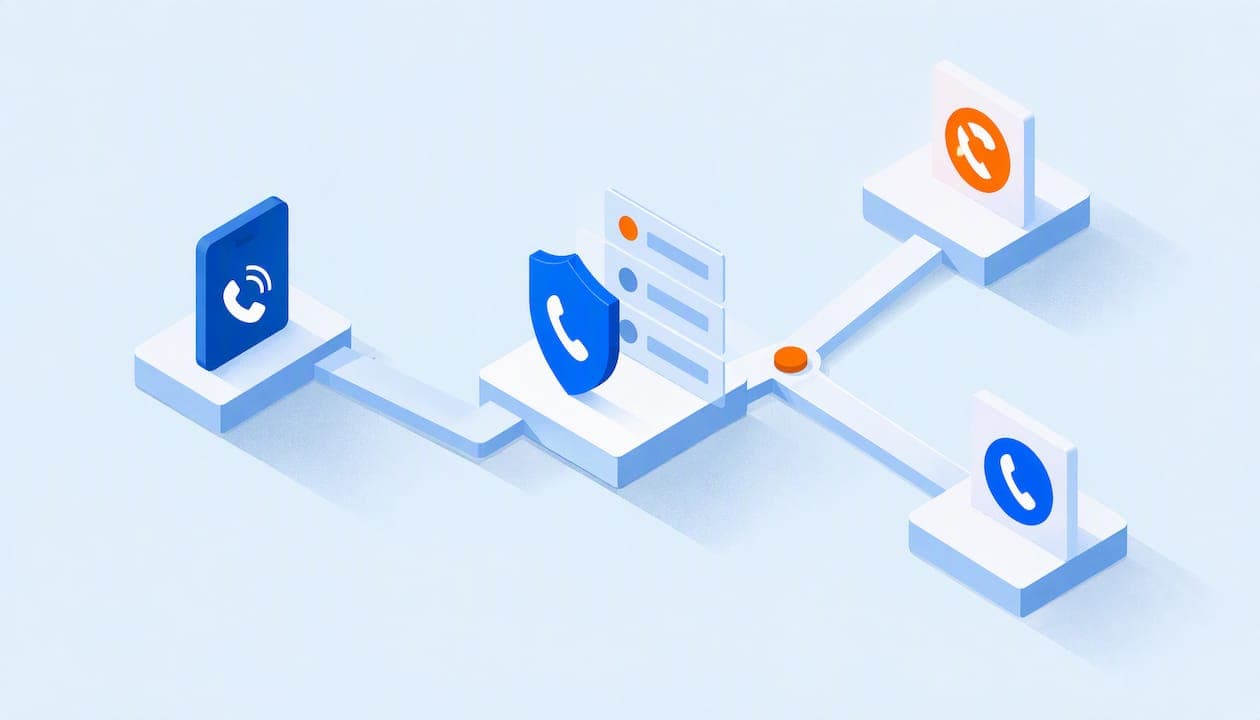
Call screening means checking who is calling, and why, before you decide to answer. On a personal phone, the phone itself can ask unknown callers to state their name and reason. On a business phone system, caller ID, a spoken prompt and routing rules decide whether a call rings a person, goes to a department, lands in voicemail or gets rejected. Below you will find how each version works, where it falls short, and how to set up screening that protects your staff's time without losing real customers.
TL;DR
- Call screening vets a call before it reaches a person, using caller ID, a spoken prompt, or both, then blocks, routes or sends it to voicemail.
- Phones from Apple, Google and Samsung screen unknown callers on their own. Business phone systems do it with rules for the whole company.
- No screening is perfect. Wanted calls can get caught and some spam gets through, so review your voicemail and your rules regularly.
- Good business setups combine an auto-attendant, ring groups, call queues and voicemail-to-email, so the right call reaches the right person.
- A flat-rate phone system lets you add staff and extensions without paying a fee for each one.
Table of Contents
- What call screening is
- How call screening works on a business phone system
- How call screening works on your smartphone
- Screening is not perfect spam protection
- Setting up call screening for your organization
- Where AI receptionists fit in
- What to look for in a phone system with call screening
- Our perspective
- How PJL Telecom can help
- Common mistakes to avoid
- FAQ
- Sources
What call screening is
Call screening is the process of vetting phone calls before you answer them. As Forbes Advisor explains, caller ID or an interactive voice response (IVR) menu helps you decide whether to block a call, transfer it or send it to voicemail.
It helps to separate it from a few things people mix up:
- Caller ID shows a number or name. It does not do anything with the call.
- Call blocking stops illegal and unwanted calls from reaching your phone at all. The FCC describes it this way.
- Call labeling shows a tag such as "spam" or "scam likely" so you can choose whether to answer. The FCC treats this as a separate tool from blocking.
- Voicemail records a message after nobody picks up. Screening decides whether it gets that far.
Screening sits on top of all of these. It is the decision step: who is this, what do they want, and where should the call go?
How call screening works on a business phone system
A business phone system works in three stages.
1. Identify the caller. The system reads caller ID, including the name data attached to the number (CNAM). If the number is unknown, it can play a prompt and ask the caller to say a name or the reason for calling. Forbes Advisor notes that basic screening relies on caller ID, while more advanced business screening uses IVR to collect the caller's name and purpose.
2. Apply rules. Rules can look at who is calling, which number they dialed and what time it is. Documentation from a carrier-grade platform vendor, PortaOne's call screening guide, shows the pattern: a rule matches the caller, the called number and a time window, then rejects the call, rings a phone, forwards it or sends it to voicemail. Calls that match no rule follow a default sequence.

3. Take an action. The outcome might be ringing an employee, forwarding to a cell phone, rejecting the call or sending it to voicemail.
This is the same logic you would use if you had a receptionist. The receptionist knows your best customers' numbers, sends the vendor to accounting and lets the unknown caller leave a message. The phone system does it automatically, every hour of the day.
What a business can do with screened calls
According to Forbes Advisor, a business can use predetermined rules to block certain area codes or send high-priority callers to the right department. The result is fewer unwanted calls and faster handling of the ones that matter.
In practice, small organizations tend to use screening like this:
- Route known callers straight through. Your top clients, your landlord or a school's front office line can go to a specific person or ring group.
- Send after-hours calls to voicemail. A greeting explains your hours, and the message arrives in your inbox as an email.
- Block repeat nuisance numbers or area codes that keep calling with no legitimate reason.
- Ask unknown callers to identify themselves before anyone picks up, so staff know whether to take the call.
- Queue busy-hour calls so callers wait in line instead of getting a busy signal.
How call screening works on your smartphone
Many readers searching for this are really asking about their own cell phone. Each major platform does it a little differently.
iPhone
Apple's support guide for unknown callers says iPhone users can let unknown callers state their reason before the phone rings, silence unsaved numbers and send them to voicemail, or silence suspected spam callers. Apple's iPhone user guide adds that Call Screening can answer calls from unknown numbers, ask the caller to give a name and reason, then ring your phone and show you the response so you can decide.
Two limits matter. Apple says standard calling and data rates may apply, calls are not screened while you are roaming, and screening turns off for 24 hours after you call emergency services.
Android (Google Pixel and the Phone app)
Google's Phone app help page says Call Screen can answer and ask who is calling and why. Spam calls are hung up on, while other calls ring and show you what the caller said. Google also warns that not every spam call or robocall is detected, that automatic screening does not work while roaming, and that forwarded calls should not use automatic screening.
To turn it on, open the Phone app, tap the three-dot menu, go to Settings, then Call Screen, and switch on automatic screening. Options vary by phone and app version.
Samsung Galaxy
Samsung's U.S. support page says compatible Galaxy phones can use AI to vet calls, show a live transcription and let you accept, reject or reply by text. Availability depends on your phone model, Android version and One UI version, so check that yours is supported.
Why phone-level screening is not enough for a business
Phone screening protects one person. It does not help when:
- A customer calls your main number and needs to reach whoever is available.
- Staff change roles or leave, and calls still need to land somewhere.
- You want one consistent greeting and routing for a whole office, school or property.
- You want call recording, queues or conferencing tied to the same line.
That is where a business phone system comes in.
Screening is not perfect spam protection
It is worth being realistic about what screening can do. The FCC's call blocking resource page notes that blocking and labeling tools can make mistakes, and that legitimate calls may occasionally be blocked. It also says customers can opt out of some blocking services. Google likewise states that not all spam is caught.
So treat screening as a filter, not a wall. A few habits keep it safe:
- Check voicemail and logs weekly for missed legitimate callers, especially after changing rules.
- Whitelist numbers you depend on, such as your bank, key vendors, a school district office or booking partners.
- Ask your phone provider which blocking and labeling options are available on your lines, as the FCC recommends, and check the built-in tools in your phone's settings.
- Never rely on screening alone for emergency situations. Keep a direct, tested path for urgent calls.
Setting up call screening for your organization
Here is a practical sequence that works for a small business, non-profit, school or hotel.
- List who should always get through. Clients, board members, parents, key suppliers, and your own staff's mobile numbers.
- Decide who should never ring a person. Repeat telemarketers, certain area codes with no business relevance, and numbers that have harassed staff.
- Build an auto-attendant. A short menu ("Press 1 for sales, 2 for billing") sorts callers before anyone picks up. Keep it to four or five options.
- Create ring groups and call queues. Send sales calls to the sales team, and let busy-hour callers wait in line instead of dropping off.
- Set hours-based rules. Daytime calls ring the office. Evening and weekend calls go to voicemail or to the on-call person.
- Turn on voicemail-to-email. Messages from screened or unanswered calls reach you wherever you are.
- Test it. Call from an unknown phone, a blocked number and a whitelisted number. Make sure each one ends up where you expect.
- Review monthly. Look at call logs and voicemail to catch mistakes.
A worked example: a small nonprofit
Imagine a nonprofit with six staff and a few volunteers. Donors, clients and the occasional vendor call the main number. Telemarketers call too, often during the same hours.
A sensible setup: the main number answers with a greeting, offers three options (donations, programs, everything else), and rings the matching ring group. Known donor numbers go directly to the development manager. Calls outside office hours go to a voicemail box that emails the team. A short list of nuisance numbers is rejected. When the organization adds three volunteers, they are added to the system without changing the monthly bill, if the plan is priced by flat rate rather than per user.

A worked example: a small hotel
A 30-room property needs the front desk to answer guest calls first, and needs guests to reach the desk from any room by dialing one digit. Outside peak hours, calls can roll to a night manager's cell phone. Spam to the main line can be filtered so desk staff are not interrupted during check-in. Rules like these keep the desk free for guests standing in front of it.
Where AI receptionists fit in
Some small businesses add an automated assistant that answers, asks what the caller needs and passes on the details. If you are curious about how an AI receptionist for small businesses can verify callers and capture the reason for their call, it is the same idea as screening, only with a conversational front end. Whatever you choose, keep a clear route to a human for anything urgent or sensitive.
What to look for in a phone system with call screening
When you compare business phone systems, check these points.
| What to check | Why it matters |
|---|---|
| Auto-attendant and IVR | Lets callers identify their need before a person picks up |
| Rules by caller, time and number | Handles after-hours calls and priority contacts automatically |
| Spam call protection | Reduces nuisance calls reaching your team |
| Ring groups and call queues | Keeps calls moving when people are busy |
| Voicemail-to-email | Makes sure no message is missed |
| Mobile and desktop apps | Staff can take screened calls on the go |
| E911 compliance | Emergency calls must reach the right location |
| Per-user fees | Add up quickly as you grow |
| Contracts and setup fees | Affect how easily you can change course |
| Human support | Matters most when a rule misroutes a customer |
The per-user line deserves a second look. Many providers charge for every employee, and screening features sometimes sit in higher tiers. Over a year, that adds up for schools, hotels and non-profits with many extensions.
Our perspective
We have spent years setting up phone systems for small businesses, non-profits, schools and hotels, and the pattern is consistent. Owners do not want a long list of settings. They want the phone to ring the right person, stay quiet when it should, and never lose a real customer.
That is why we think screening is best handled as part of the whole phone system, not as a separate gadget. An auto-attendant, ring groups, call queues, voicemail-to-email and spam call protection all work together. When they are built in, you do not pay extra to turn each one on.
We also believe the pricing model matters. Per-user fees punish growth: a new hire, a seasonal worker or a classroom phone should not raise your bill. Our plans are flat-rate, with unlimited users, setup included and no contracts.
Finally, screening rules need a human to adjust them. When a rule is too strict or a customer gets misrouted, you should be able to reach a real person, any hour, and have the change made the same day. That is how we run support, and it is what we would want from a provider ourselves.
Preston
How PJL Telecom can help
If you want screening, routing and spam protection without counting seats, our cloud phone system is built for that. We include call recording, conferencing, auto-attendants, voicemail-to-email, call queues, ring groups, mobile and desktop apps, spam call protection and E911 compliance in one flat rate, with 24/7 real human support.

Our Business plan starts at $125 per month regardless of how many users you have, and a Home Office plan is $25 per month. Hotels and motels can see hotel phone systems and motel phone systems, both from $125 per month per property. If you have older equipment, analog adapters let you keep it, and we offer pre-configured Grandstream desk and cordless phones on our features page. You can also start from our home page.
Common mistakes to avoid
- Over-blocking. Blocking whole area codes can catch real customers who moved or use a cell number from another state. Use it sparingly.
- Long menus. More than five options frustrates callers and sends them to voicemail or to a competitor.
- No human fallback. Always give a callable route to a person, such as pressing 0.
- Forgetting forwarded calls. Google advises against automatic screening on forwarded calls, so check how calls reach a phone before turning it on.
- Ignoring the roaming limit. Apple and Google both say screening does not work while roaming, so staff traveling abroad may need a different route for calls.
- Never reviewing. Rules that made sense in January may not fit your business by June.
FAQ
What is call screening on a phone?
It is a feature that checks who is calling before you answer. On a smartphone, it may ask an unknown caller to state their name and reason, then show you the answer. On a business system, it uses caller ID, prompts and rules to decide where a call goes.
Does call screening stop all robocalls?
No. Google says not every spam call or robocall is detected, and the FCC notes that blocking and labeling tools can make errors. Screening reduces unwanted calls substantially but works best alongside carrier tools, whitelists and regular voicemail checks.
Does call screening cost extra?
On a personal phone, Apple says standard calling and data rates may apply. On a business phone system, it depends on the provider: some charge per user or put features in higher tiers. With our flat-rate plans, features are included and there are no per-user fees.
Can I screen calls for my whole team, not just my own phone?
Yes, with a business phone system. You set rules once for your main number or extensions, using an auto-attendant, ring groups, call queues and hours-based routing, and they apply to everyone.
Will screening miss important calls?
It can if rules are too strict. Add trusted numbers to an allow list, give callers a way to reach a person, and review voicemail and call logs regularly so you catch any mistakes early.
Sources
- What Is Call Screening? Definition And Best Practices, Forbes Advisor
- Call Blocking Tools and Resources, Federal Communications Commission
- Call screening, PortaOne Documentation
- Manage unknown callers on iPhone, Apple Support
- Screen and block calls on iPhone, Apple Support
- Screen your calls before you answer them, Phone app Help
- Use Call screening on your Samsung phone, Samsung Support