
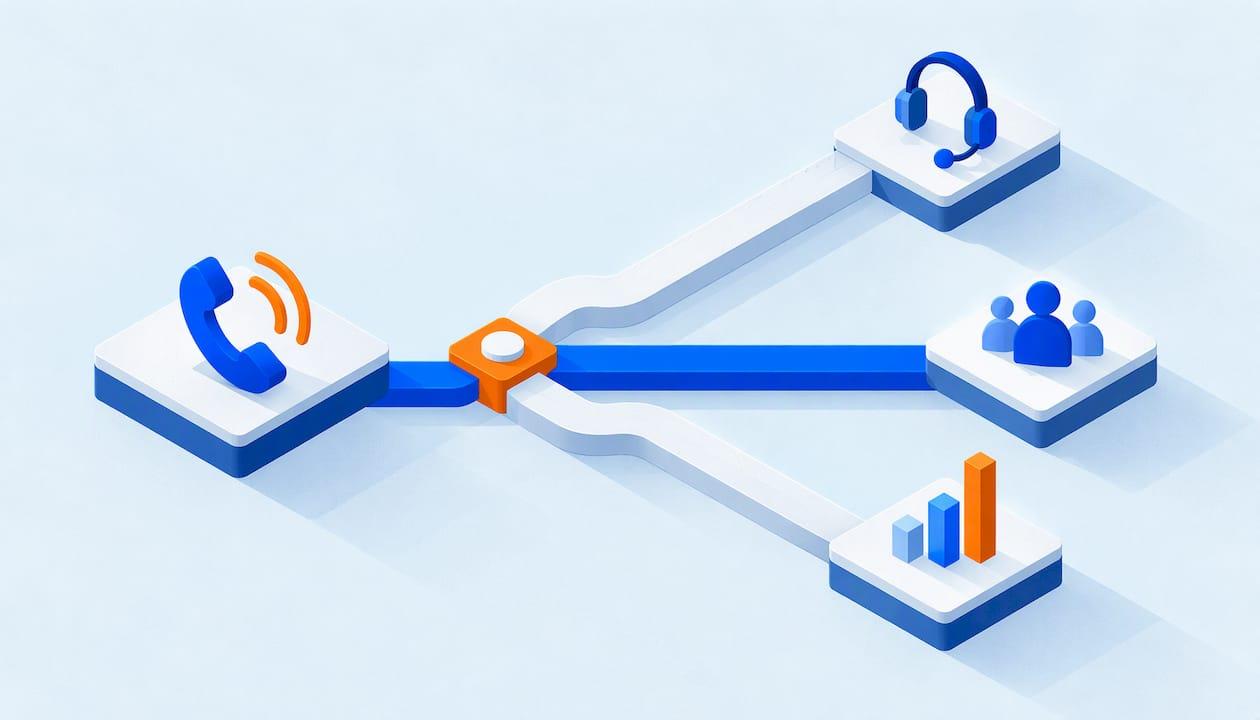
A call flow is the path every incoming call follows through your phone system, from the greeting to the moment someone answers, takes a message or hangs up. Designing it means deciding that path on purpose: who answers, what happens when they can't, and how a caller with an urgent problem reaches a human. On a flat-rate system like ours at PJL Telecom, you can build the whole thing, with auto-attendant, ring groups, call queues and voicemail-to-email, without paying per user.
This guide follows the order you would actually work in, with examples for a small office, a school, a nonprofit and a hotel.
TL;DR
- A call flow is the full journey of a call: greeting, menu, routing, queue, answer and fallback. The menu is only one piece.
- Start on paper. List why people call, who should handle each reason, and what happens when nobody picks up.
- Keep menus to about four or five choices, say what the option is before the number, and always offer a way to reach a person.
- Plan after-hours, busy and no-answer paths as carefully as the daytime path, and confirm that 911 dialing works from every phone.
- Test by calling your own number, then watch what real callers do and adjust.
Table of Contents
- What a call flow is, and what it is not
- Step 1: Map why people call
- Step 2: Write the greeting and the menu
- Step 3: Choose how each call gets answered
- Step 4: Design the "nobody answered" paths
- Step 5: Build in 911 and safety
- Step 6: Adapt the flow to your type of organization
- Step 7: Test, listen and refine
- A worked example: a 12-person nonprofit
- Where we come in
- Our perspective
- FAQ
- Sources
What a call flow is, and what it is not
Think of a call flow as a road map. A caller enters at your main number, and every turn they can take is something you decided in advance. That includes the turns nobody likes to plan for: all lines busy, no answer, a wrong button pressed.
Three terms are easy to confuse:
- Auto-attendant (also called IVR, interactive voice response): the recorded greeting and keypad menu. It is one component of the flow, not the whole flow.
- Call routing: the rules that send a call somewhere, such as caller input, time of day or who is available.
- Call flow: everything together, from the first greeting through routing, waiting, answering, transfer and the fallback when nobody answers.
When people say their phones "don't work well," the problem is usually in the flow rather than the hardware: a menu with too many options, a ring group that rings the wrong people, or voicemail that nobody checks.
Step 1: Map why people call
Before touching any settings, write down the reasons callers phone you. Pull them from voicemails, missed-call lists, email and what your front desk says they hear most. Group them into five to eight reasons, then rank by how often they happen and how urgent they are.
Here is what that list tends to look like in different settings:
| Organization | Typical call reasons | Who should get them |
|---|---|---|
| Small office | New customers, existing customers, billing, vendors | Owner or sales line, office manager, bookkeeper |
| School | Attendance, front office, nurse, transportation, staff | Front office group, then individual extensions |
| Nonprofit | Donors, volunteers, program participants, press | Development lead, volunteer coordinator, program staff |
| Hotel or motel | Reservations, guest-room calls, front desk, housekeeping | Front desk, room extensions, back office |
Next to each reason write a goal: "get a new customer to a person in under 20 seconds," or "let a parent report an absence without waiting." A goal turns a vague preference into something you can test later.
One rule of thumb: if a reason accounts for most of your calls, it should be the easiest path to reach, not the fifth menu option.
Step 2: Write the greeting and the menu
The greeting has two jobs: confirm the caller reached the right place and tell them what to do next. Keep it to a sentence or two. Put the business name first, then the options.
Menu design is where most flows go wrong. Research on phone trees from the Nielsen Norman Group recommends limiting each menu and submenu to four or five choices and making them distinct enough that callers can tell them apart. The same guidance says callers should be able to repeat information, undo a selection and get brief confirmation of what they pressed, because they navigate a phone tree without anything to look at.
Practical rules that follow:
- Say the option, then the number. "For billing, press 2," not "Press 2 for billing." Callers cannot hold a number in mind while waiting to hear what it does.
- Use the caller's words. "Pay a bill" beats "accounts receivable." "Report an absence" beats "attendance office."
- Offer a person. Give a clear key, such as 0, that reaches a live answerer or a ring group.
- Put the most common reason first. Order by frequency, not by org chart.
- Avoid nested menus unless you truly need them. Every extra layer is another place a caller can get lost.
A sample greeting for a small business:
Thank you for calling Harbor Dental. For appointments, press 1. For billing, press 2. For prescription or urgent questions, press 3. To speak with someone, press 0.
Four options, a person always available, nothing technical.
On our system the auto-attendant is included with every plan, and menus can be as long as you need, so the limit on options is a design choice and not a billing one.
Step 3: Choose how each call gets answered
Once a caller picks an option, the system has to put a human on the line. You have three main tools, and picking the right one for each path is the heart of call flow design.
- Direct to an extension: best for a single owner of a topic, such as the bookkeeper for billing.
- Ring group: rings several phones at once or in sequence. Good for a front desk shared by two or three people.
- Call queue: holds callers in line and hands them to the next free person. Best when call volume can exceed the number of people available.
The common mistake is using a ring group where you need a queue. A ring group sends the call to everyone's phone, and if they are all on other calls, the caller drops into voicemail even though someone will be free in two minutes. A queue lets that caller wait for a few moments and hear a short message. We explain how the two differ in our guide to ring groups and call queues.
Because our pricing doesn't depend on the number of users, adding a teacher, a volunteer or a seasonal hotel employee to a group doesn't change your bill. That makes it practical to include everyone who might help a caller, not just the minimum number of people.
Also decide where staff will pick up the call. If people work from home, on a floor of a hotel or across a campus, the flow should reach them on a desk phone, a cordless phone, a desktop softphone or the mobile app, depending on their role.
Step 4: Design the "nobody answered" paths
The daytime path is only half the design. For each destination, decide what happens in these situations:
- All lines busy. Queue with a short message, or offer voicemail or a callback.
- No answer after a set number of rings. Send to a second group, a mobile phone or voicemail.
- Caller presses nothing. Repeat the menu once, then route to a person or voicemail. Do not hang up on a silent caller.
- Caller presses an invalid key. Say so briefly and replay the menu.
Voicemail needs an owner. A mailbox that nobody checks is worse than no mailbox. Voicemail-to-email, which delivers messages to a shared inbox as audio files, is a simple way to make sure the right people see them, and it is included with our plans.
After-hours and urgent calls
After hours, a caller should learn three things: you are closed, when you will open, and what to do if it is urgent. If you promise a callback, make it specific, such as "by noon on the next business day," rather than "as soon as possible."
An urgent path has to be a real path. A school might send after-hours calls about a facility emergency to a custodial supervisor's mobile phone. A hotel's overnight flow should ring the on-duty manager. A caller with an emergency will not leave a voicemail and wait.
The same thinking is used in dispatch operations, where routing and overflow rules decide whether a problem gets handled in time, as in this field service scheduling guide. Your phone system benefits from the same discipline: define who gets the work, who is next in line, and when it escalates.

Schedules matter too. Set business hours, lunch coverage, holidays and school breaks in advance so the right flow switches on without anyone touching the system. Review them each term or season.
Step 5: Build in 911 and safety
Emergency calling is a legal requirement, not just a design preference. Under Kari's Law, a multi-line telephone system, which covers typical offices, campuses and hotels, must let any phone dial 911 directly without an extra digit such as 9. The FCC also requires notification when a 911 call is made, and RAY BAUM'S Act adds dispatchable location requirements so responders can find the caller.
For your call flow this means:
- Never require a prefix to reach 911 from any desk, guest room or cordless phone.
- Keep location information current when you move phones, add rooms or use remote staff.
- Choose someone to receive 911 notifications, such as the front desk or security office.
E911 compliance is part of our service, and we help set it up as part of the managed configuration. If you run a hotel or motel, the guest-room phones are the ones to check first; our hotel phone systems are built around them.
Step 6: Adapt the flow to your type of organization
Small businesses
Keep it simple. One greeting, three or four options, one ring group for the front line, and voicemail-to-email for after hours. The most valuable improvement for most small shops is making sure that a new customer reaches a person quickly. Call recording is useful for training and for resolving "he said, she said" disputes, so decide in advance which lines it covers.
Nonprofits
You have many audiences with different needs: donors, volunteers, clients, partners. Give each a clear menu option, and route donors to someone who can thank them properly. Volunteers often answer from home or on mobile phones, so make sure your flow can ring apps as well as desk phones. A flat monthly rate also makes it easier to budget as volunteer numbers change.
Schools
Call volume is spiky: before the bell, at dismissal and during weather events. Use a queue on the front office line, put attendance on its own option, and prepare a seasonal greeting that you can switch on for snow days or schedule changes. Routing calls to classroom or cordless phones for staff who move around reduces transfers and missed messages.
Hotels and motels
A hotel has two callers who need different treatment: guests inside the building and people calling from outside. Guests should be able to dial the front desk with one button from a room phone. Outside callers need reservation and general options. Overnight, the flow should reach whoever is on duty, not a mailbox. We offer Guest Room & Staff Phones, with analog adapters for older equipment, so you can connect what is already in your rooms.
Step 7: Test, listen and refine
A call flow is never finished on launch day. Test it in three rounds.
- Call every path yourself. Press every option, try no input, try a wrong key, call after hours, call with all lines busy. Write down anything that sounds confusing.
- Ask a colleague who didn't build it to try tasks. Give them a goal, such as "find out whether you can change a reservation," and listen as they talk through the menu. Nielsen Norman Group suggests having callers think aloud while they use the phone tree, because it reveals more than a post-call survey.
- Review real calls. Look at missed calls, voicemails, repeat callers and how often people press 0 immediately. If most callers skip the menu, it is probably too long or poorly worded.
Track a handful of measures: how many calls are answered live, how many end in voicemail, how long callers wait, and how many hang up before reaching anyone. When you change a greeting or reorder options, change one thing at a time, so you know what made the difference. This is the same logic marketers apply with a two-stage testing approach: small controlled changes, then compare.
With our service, changes to the system are handled the same day, so you can adjust a menu after a bad week without waiting on anyone.
A worked example: a 12-person nonprofit
Suppose a food-bank nonprofit receives calls from donors, volunteers and families seeking help.
- Greeting: "Thank you for calling Riverside Food Bank. For food assistance, press 1. To volunteer, press 2. To donate, press 3. To reach staff, press 0."
- Option 1: rings a program ring group, then voicemail with a promise to return calls by the next business day. After hours, the message gives hours and distribution locations.
- Option 2: goes to the volunteer coordinator's mobile app, then to a shared mailbox.
- Option 3: goes to the development director, then to the executive director.
- Option 0 and no input: rings the front office queue.
Four options, a human at every point, and every dead end covered. Nothing here needs extra licenses on a flat-rate system, and growing from 12 to 30 staff changes nothing in the cost.
Where we come in
Building a call flow is easier when the system includes the pieces you need. Our Business plan starts at $125 per month, with unlimited users, auto-attendants, call queues, ring groups, call recording, conferencing and voicemail-to-email included. Our Home Office plan is $25 per month. Hotels and motels start at $125 per month per property. There are no contracts, setup is free, and our team configures the system with you and supports it around the clock with real people.

See plans and pricing to find the right fit, or look at the Grandstream phones we pre-configure for your flow.
Our perspective
Most call flow problems we see on a small business phone system come from a pricing model, not a design flaw. When every user or feature costs extra, owners trim the flow to save money: fewer people in the ring group, no queue, no recording. The callers are the ones who pay for that.
We built our service so that you never have to make that trade. Everyone who might help a caller can be part of the flow, and every tool is included. That frees you to design for the caller instead of the invoice.
Our advice is to start small, call your own number every week for a month, and change one thing at a time. A flow that sounds natural and always ends in a person will serve your callers better than a clever one.
Preston
FAQ
How many options should a phone menu have?
About four or five is the usual guideline for any one menu, and fewer is better if your calls fall into clear groups. Callers struggle to remember longer lists, so put the most common reason first. Always include a key, such as 0, to reach a person.
What is the difference between a call flow and call routing?
Call routing is the set of rules that sends a call to a destination, such as by menu choice, time of day or availability. A call flow is the entire journey, including the greeting, the menu, routing, waiting in a queue, the answer and the fallback if nobody picks up.
Should every business use an auto-attendant?
If more than one person or department takes calls, an auto-attendant helps callers reach the right one without a transfer. A very small business with one answerer may only need a clear greeting and good voicemail. You can add menu options later as your team grows.
How often should I update my call flow?
Check it whenever staff, hours or services change, and at least once each season or school term. Update holiday and closure greetings ahead of time. Reviewing missed calls monthly shows you where callers get stuck.
Sources
- FCC: Multi-line Telephone Systems, Kari's Law and RAY BAUM'S Act requirements
- Nielsen Norman Group: The UX of Phone-Tree Systems, 16 Usability Guidelines